
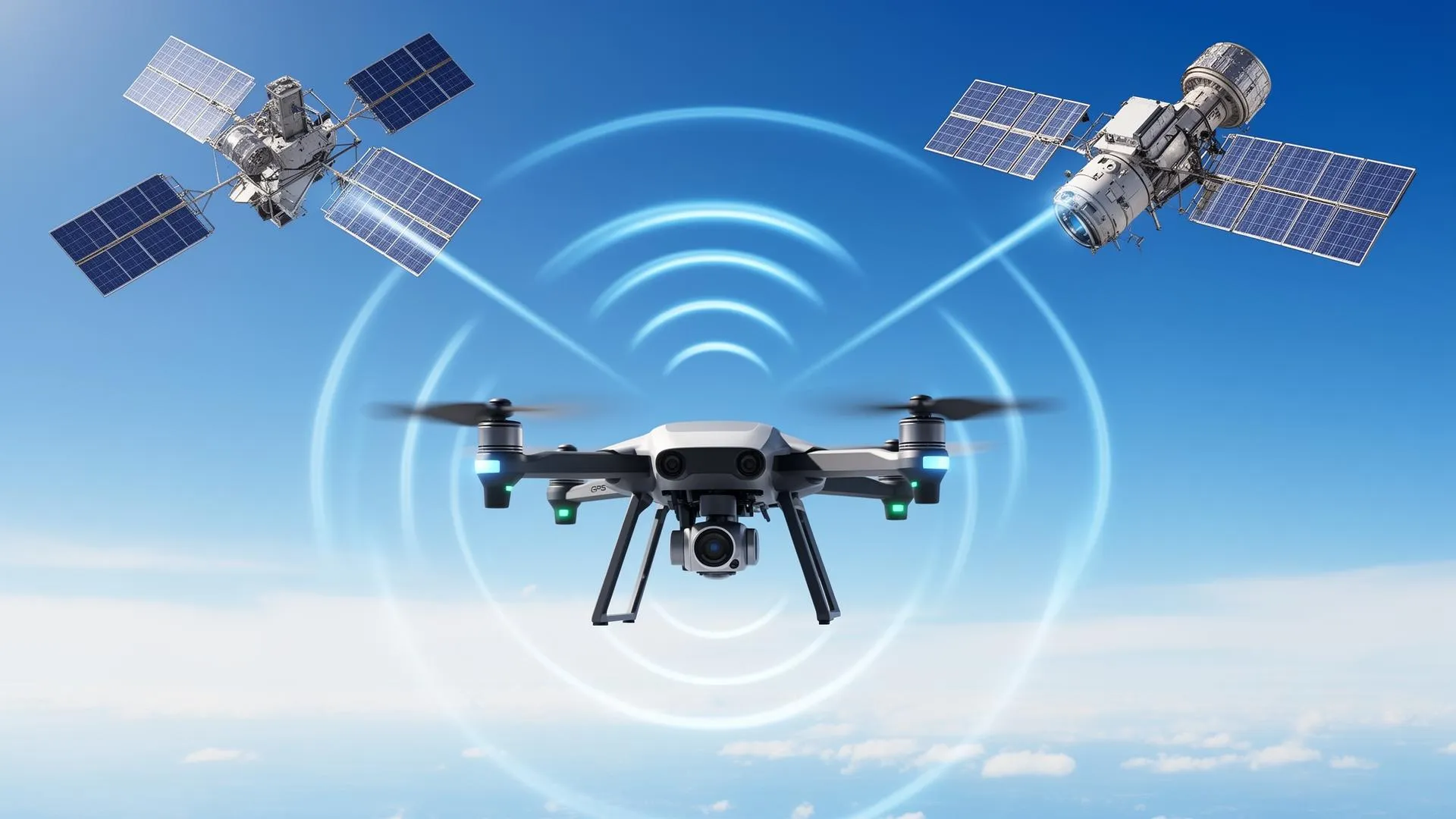
Key Takeaways
- GPS, GLONASS, and Galileo work together to pinpoint your drone's location within meters
- Return-to-Home (RTH) is your drone's "I'm lost, take me home" panic button, so configure it properly
- Compass calibration isn't optional voodoo; skip it and watch your drone have an identity crisis
Ever watched your drone hover in place like it's contemplating the meaning of existence? That's GPS at work. And no, your drone isn't having a philosophical moment, it's just trilaterating its position using satellites that, according to GPS.gov, orbit at roughly 20,200 kilometers above your head. This guide breaks down the wizardry without making your eyes glaze over.
The Satellite Trio: GPS, GLONASS, and Galileo
Your drone doesn't rely on just one satellite system, that would be like trusting a single gas station in the desert. Instead, modern drones tap into multiple constellations because redundancy is the adult way of saying "backup plan."
GPS (Global Positioning System) – The American Classic
GPS is the OG of satellite navigation. Launched by the U.S. Department of Defense in the 1970s (originally so missiles could find their targets, but let's focus on the peaceful applications), GPS is built around a nominal 24-satellite constellation. As of the latest figures published by GPS.gov, 31 satellites were operational, each circling Earth twice a day.
Here's the magic: your drone's GPS receiver picks up signals from at least 4 satellites. Each satellite basically says, "Hey, I'm over here, and this message left me at exactly this time." Your drone calculates how long each signal took to arrive, does some fancy math called trilateration (not triangulation, that's for angles), and figures out where it is in 3D space.
🛰️ Fun Fact
Each GPS satellite carries multiple atomic clocks. GPS.gov notes that this lets receivers determine the time to within 100 billionths of a second. Meanwhile, some of us can't remember whether we started the microwave 30 seconds ago or 3 minutes ago.
GLONASS – The Russian Alternative
GLONASS (Global Navigation Satellite System) is Russia's answer to GPS. With 24 satellites in a slightly different orbital configuration, GLONASS provides better coverage at high latitudes. If you're flying in Siberia or Alaska, GLONASS has your back.
Most modern drones use both GPS and GLONASS simultaneously. More satellites = more accuracy = less chance of your drone deciding that "home" is actually the neighbor's swimming pool.
Galileo – The European Sophisticate
Galileo is the European Union's satellite system, and it's the newest member of the navigation party. It offers the best precision of the three for compatible receivers: according to the European Space Agency, the Galileo High Accuracy Service delivers horizontal accuracy down to 20 cm (and vertical accuracy of 40 cm).
DJI's newer drones (Mavic 3 series, Mini 4 Pro, Air 3) support all three systems. Combining the GPS, GLONASS, and Galileo constellations puts dozens of satellites potentially in view to help your drone know exactly where it is. Your drone has better location awareness than most humans on a Monday morning.
Satellite Systems Comparison
| System | Country | Satellites | Accuracy | Best For |
|---|---|---|---|---|
| GPS | USA | 31 | 3-5 meters | Global coverage, most devices |
| GLONASS | Russia | 24 | 4-7 meters | High latitude regions |
| Galileo | EU | 30 | 1-3 meters | Precision applications |
| BeiDou | China | 35 | 3-5 meters | Asia-Pacific region |
How Your Drone Actually Knows Where It Is
Let's break down the positioning process without getting too mathy (I promise no calculus):
Step 1: Acquiring Satellites
When you power up your drone, it starts scanning for satellite signals. This is the "Searching for GPS" message that tests your patience. Cold starts (first power-on in a new location) take longer because your drone has no idea which satellites to expect.
Pro tip: Wait for at least 10-12 satellites before taking off. Your app shows this number. Below 8 satellites? Maybe grab a coffee and wait.
Step 2: Signal Timing
Each satellite broadcasts its position and the exact time the signal was sent. Your drone's receiver notes when it received each signal. Since radio waves travel at the speed of light, the time difference tells your drone how far away each satellite is.
Step 3: Trilateration (The Cool Math)
With distances from at least 4 satellites, your drone calculates its position. Why 4 and not 3? Because your drone's clock isn't a $100,000 atomic clock, it needs the fourth satellite to correct timing errors. GPS.gov explains that the constellation's six orbital planes are arranged so users can view at least four satellites from virtually any point on the planet.
📍 Position Accuracy Factors
- Satellite geometry: Satellites spread across the sky = better accuracy
- Atmospheric interference: Ionosphere can delay signals
- Obstructions: Buildings, trees, and mountains block signals
- Multipath errors: Signals bouncing off surfaces confuse receivers
Return-to-Home (RTH): Your Drone's Homing Instinct
RTH is the feature that brings your drone back when things go sideways: lost signal, low battery, or you just panic and hit the button. But RTH only works if you set it up correctly. Spoiler: many people don't. A reliable RTH also keeps you on the right side of the rules, since flying out of control near restricted areas can quickly become a legal problem (see our roundup of drone no-fly zones in the USA).
Types of RTH
1. Smart RTH (Low Battery)
Your drone calculates how much battery it needs to return home, accounting for distance, altitude, and wind. When it hits that threshold, it'll notify you and start heading back. You can cancel this, but arguing with your drone's math rarely ends well.
2. Failsafe RTH (Signal Lost)
Lose connection with your controller? After a set timeout (usually 3-20 seconds), your drone assumes you've been abducted and returns home. This is why setting the correct home point matters: otherwise, your drone's "home" might be the parking lot you took off from 20 minutes ago.
3. Manual RTH (The Panic Button)
Press the RTH button when you're lost, disoriented, or just done flying. Your drone will climb to the preset RTH altitude and fly directly home. Emphasis on directly: if there's a building in the way, hope you set that altitude high enough.
RTH Best Practices
| Setting | Recommendation | Why It Matters |
|---|---|---|
| RTH Altitude | Set above tallest obstacle + 10m | Prevents collisions during return flight |
| Home Point | Update before takeoff, verify on map | Ensures drone returns to correct location |
| Failsafe Timeout | 11-20 seconds | Balances quick recovery vs. false triggers |
| Low Battery RTH | Keep enabled | Prevents uncontrolled landings |
⚠️ Common RTH Mistakes
- Taking off before GPS lock (home point set incorrectly)
- Setting RTH altitude too low for the environment
- Not updating home point when controller moves
- Flying over water without adjusting failsafe settings
Compass Calibration: The Ritual That Actually Matters
Compass calibration looks ridiculous. You're spinning your drone around like you're performing a tech exorcism. But this ritual is crucial: your drone's compass works with GPS to determine heading and enable precise position hold.
Why Compass Calibration Matters
GPS tells your drone where it is. The compass tells it which way it's facing. Without accurate compass data, your drone can exhibit "toilet bowling" (spiraling in circles) or drift in unexpected directions. In extreme cases, it can fly away entirely, convinced that "forward" is actually "left."
When to Calibrate
- New location: If you've traveled more than 50km from your last flight
- Compass warning: When your app explicitly tells you to
- Strange behavior: Erratic yaw, drift, or the dreaded toilet bowl
- After crashes: Impact can affect compass accuracy
How to Calibrate (The Proper Way)
Step 1: Choose the Right Spot
Stay away from metal structures, underground parking, cars, power lines, and anything that might interfere with magnetic fields. That picturesque bridge? Terrible choice. Open grass field? Perfect.
Step 2: Start Calibration
Access compass calibration through your app (DJI Fly: Settings → Safety → Compass → Calibrate). Follow the on-screen instructions.
Step 3: Horizontal Rotation
Hold your drone level and rotate 360 degrees. You're not auditioning for a dance show, slow and steady wins this race.
Step 4: Vertical Rotation
Tilt the drone nose-down and rotate again. Yes, you look silly. Yes, it's necessary.
🧭 Calibration Tips
- Remove any metal accessories (watches, keys in pocket near drone)
- Don't calibrate on concrete with rebar underneath
- If calibration repeatedly fails, try a different location
- Calibrate away from your car (vehicles are giant metal interference boxes)
Advanced GPS Features in Modern Drones
RTK (Real-Time Kinematic) Positioning
Standard GPS positioning is fine for recreational flying. GPS.gov reports that high-quality, single-frequency receivers can reach horizontal accuracy of about 1.8 meters 95% of the time, though real-world results depend on satellite geometry and obstructions. Professional mapping and surveying need better, so RTK uses a ground-based reference station to achieve centimeter-level accuracy. DJI's Mavic 3 Enterprise and Matrice series support RTK modules: per DJI's published specifications, the Mavic 3 Enterprise RTK module reaches roughly 1 cm + 1 ppm horizontal accuracy when fixed.
Multi-Constellation Support
High-end drones now support GPS + GLONASS + Galileo + BeiDou simultaneously. The DJI Mavic 4 Pro, for example, can connect to 4 satellite systems, providing faster lock times and better accuracy in challenging environments.
Vision Positioning System (VPS)
When GPS signals are weak (indoors, under bridges, between buildings), drones use downward-facing cameras and sensors to maintain position. VPS works up to about 30 meters altitude and requires adequate lighting and textured surfaces below.
GPS Troubleshooting: When Satellites Ghost You
| Problem | Likely Cause | Solution |
|---|---|---|
| No GPS lock | Obstructed sky view, cold start | Move to open area, wait 2-3 minutes |
| Frequent GPS loss | Nearby interference, damaged antenna | Check for metal/electronics, contact support |
| Position drift | Multipath errors, poor satellite geometry | Recalibrate compass, wait for better conditions |
| RTH to wrong location | Home point not updated | Always verify home point before flying |
| Toilet bowl effect | Compass interference | Recalibrate away from metal, check for magnetic interference |
The Bottom Line: GPS Is Your Drone's Best Friend
GPS, GLONASS, Galileo, and their satellite siblings work together to keep your drone stable, safe, and findable. Understanding how they work (and respecting their limitations) separates responsible pilots from "I don't know where my drone went" storytellers. Solid GPS skills pair naturally with the legal side of flying, so it is worth reading up on Remote ID compliance for 2026 and browsing our wider drone guides hub for more flight-skill explainers.
✅ Pre-Flight GPS Checklist
- Wait for strong GPS lock (10+ satellites)
- Verify home point is correctly set
- Set appropriate RTH altitude for your environment
- Calibrate compass if prompted or in a new location
- Check for GPS interference sources nearby
- Ensure firmware is up to date
Now go forth and fly with confidence, knowing that dozens of satellites have your back. Just don't fly near prisons or other restricted sites: that's a whole different kind of "getting lost" story, and our drone regulations hub covers where you can and cannot fly.
About the author: Kevin Kottek writes about drones and drone technology for Drone Nomad.
Frequently Asked Questions
How many satellites does a drone need for GPS?
A minimum of 4 satellites is required for 3D positioning. However, for stable flight, 8-12 satellites is recommended. Most modern drones display satellite count in their companion app.
Why does GPS take so long to lock sometimes?
Cold starts in new locations take longer because the drone must download satellite almanac data. Obstructions like buildings and dense tree cover also delay lock. Waiting in an open area speeds up the process.
How accurate is drone GPS?
Consumer drone GPS is typically accurate to 1.5-5 meters. RTK-equipped drones can achieve centimeter-level accuracy. Accuracy varies based on satellite count, geometry, and environmental conditions.