
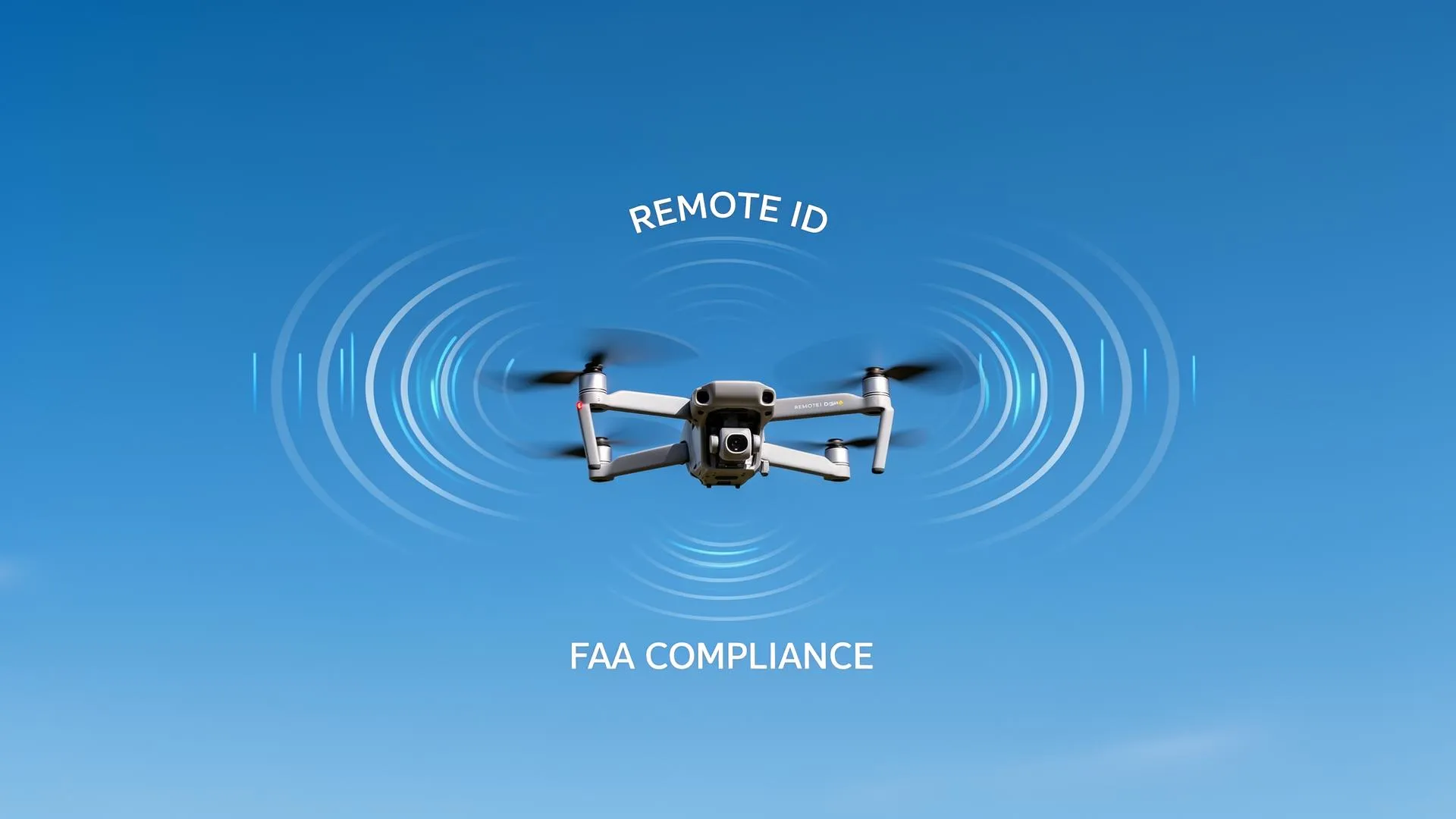
Remote ID is now a hard legal requirement, not a theoretical one. The FAA ended its discretionary (grace-period) enforcement policy on March 16, 2024, so any drone that must be registered must also broadcast Remote ID during flight or the operator risks fines and certificate action (FAA). This guide explains who must comply, the three legal ways to do it, and how to verify your setup before you fly.
Enforcement is real: In its 2025 review, the FAA reported fines ranging from $1,771 to $36,770 across 18 operations and license actions against 8 remote pilots for unsafe or unauthorized flights, and it can fine operators up to $75,000 per violation (FAA, Feb. 2026). Compliance is not optional.
What Is Remote ID and Why Does It Matter?
The FAA describes Remote ID as acting "like a digital license plate" for drones (FAA). During flight, your drone broadcasts identification and location information that can be received by the FAA, law enforcement, and other airspace authorities using standard smartphones or dedicated receivers. For a full overview of the agency's Remote ID rule, see the FAA's Remote Identification of Drones page.
The rule exists for three primary reasons:
- National Security: Authorities can identify unknown drones near sensitive locations
- Accountability: Operators flying recklessly or illegally can be identified
- Integration: Remote ID enables future beyond-visual-line-of-sight (BVLOS) operations
For context on the broader regulatory landscape, see our complete FAA licensing guide.
Who Must Comply?
Remote ID is tied to registration. The FAA requires registration for drones heavier than 0.55 lbs (250g), and recreational flyers can register their entire fleet for $5 for three years (FAA). Because any drone that must be registered must broadcast Remote ID, the requirement applies to nearly all drone operations in US airspace:
Must Comply
- • All drones 0.55 lbs (250g) or heavier
- • All Part 107 commercial operations
- • All recreational flights under 44809
- • Homebuilt drones flown outdoors
- • Educational and research flights
Exemptions
- • Drones under 0.55 lbs (250g) flown recreationally
- • Flights within FAA-Recognized Identification Areas (FRIAs)
- • Certain government operations
- • Indoor-only flights
Important clarification: The 250g weight exemption only applies to recreational operators flying under the limited recreational exception. Commercial Part 107 pilots must comply with Remote ID regardless of drone weight. For more US airspace rules that work alongside Remote ID, browse our drone regulations hub and our guide to drone no-fly zones in the USA.
Three Ways to Achieve Compliance
The FAA recognizes exactly three ways to meet the Remote ID rule: fly a standard Remote ID drone, attach a Remote ID broadcast module, or fly only within an FAA-Recognized Identification Area (FRIA) (FAA Remote ID).
1. Standard Remote ID (Built-In)
Most drones manufactured after September 2022 include built-in Remote ID broadcast capability. This is the simplest compliance method: just ensure the feature is enabled in your drone's app.
Drones with built-in Remote ID include:
- DJI Mini 3 Pro, Mini 4 Pro, Mini 5 Pro
- DJI Mavic 3 series, Mavic 4 Pro
- DJI Air 3, Avata, Avata 2
- DJI Flip, Neo 2
- Autel EVO Nano+ (firmware 1.3.0+), EVO II V3 series
- Skydio X10, 2+
- Parrot ANAFI AI, ANAFI USA
Practical tip: Built-in Remote ID is usually controlled inside the manufacturer's flight app (for example, DJI Fly). Confirm the feature is enabled and that the drone's serial number is linked in your FAA registration. If you want independent confirmation that the signal is actually going out, a free receiver app such as the open-source OpenDroneID receiver (Android) or DroneScanner (iOS) lets you see your own broadcast on a nearby phone.
2. Remote ID Broadcast Module
For older drones without built-in capability, you can attach an FAA-approved broadcast module. These small devices mount on your drone and transmit the required information independently.
Only modules that hold an FAA Declaration of Compliance count as legal Remote ID equipment. The FAA publishes the full, current list of approved drones and broadcast modules on its UAS Declaration of Compliance database, so always confirm a specific model is listed there before you buy. Commonly available approved modules include:
- Dronetag Mini, Beacon and BS: compact clip-on modules with their own GPS and battery
- BlueMark DroneBeacon (db201 and related models): lightweight transponders aimed at hobby and commercial use
- uAvionix pingRID: a small standalone broadcast module
- Other approved units from manufacturers such as Aerobits, Pierce Aerospace and Holy Stone
Exact prices, weights and battery life vary by model and over time, so check the manufacturer's current listing rather than relying on a fixed figure. When using a broadcast module, you must add the module's serial number to your drone registration in FAA DroneZone, and you must keep the drone within visual line of sight at all times.
3. FAA-Recognized Identification Areas (FRIAs)
A FRIA is a defined geographic area where drones without Remote ID can be flown. The FAA notes that only FAA-recognized community-based organizations (CBOs) and educational institutions can apply to establish one (FAA FRIA).
Finding FRIAs: The FAA publishes the locations of approved FRIAs on an interactive map served through its UAS Data Delivery System, linked from the official FRIA page. The number of approved FRIAs grows over time, so check the live map for your area rather than a fixed count.
FRIA rules: Per the FAA, both the drone and the pilot must stay within the FRIA's boundaries for the whole flight, and the pilot must be able to see the drone at all times. Standard Remote ID drones and drones with a broadcast module may also fly in a FRIA, but they still have to broadcast. All other airspace rules (such as altitude limits and any required authorization) continue to apply.
How to Verify Your Compliance
Before your next flight, verify your Remote ID is working:
- Check your drone's app: DJI Fly, Autel Sky, and Parrot FreeFlight all show Remote ID status in settings
- Use a receiver app: Download OpenDroneID (Android) or DroneScanner (iOS) to verify your broadcast is being received
- Verify FAA registration: Log into FAA DroneZone and confirm your drone's Remote ID serial number matches your registration
- Check firmware: Ensure your drone has the latest firmware, since many Remote ID bugs have been fixed in recent updates
What Information Is Broadcast?
According to the FAA, a standard Remote ID drone broadcasts the following information from takeoff to shutdown (FAA Remote ID):
- Drone ID: Serial number or session ID
- Drone location: Latitude, longitude, and altitude
- Drone velocity: Speed and direction
- Control station location: Where the pilot is standing
- Time stamp: Current time of broadcast
- Emergency status: If applicable
Privacy note: Remote ID does not broadcast your name, contact information, or registration details. It only transmits a serial number that the FAA can cross-reference with their database.
Enforcement and Penalties
The FAA's discretionary enforcement policy for Remote ID ended on March 16, 2024, and operators who do not comply "could face fines and suspension or revocation of their drone pilot certificates" (FAA). The agency does not publish a fixed Remote-ID penalty tier; instead, penalties depend on the violation and are set case by case. Here is what the FAA itself reported in its most recent enforcement review:
What the FAA reported (2025 enforcement review)
Source: FAA, "FAA Steps Up Drone Enforcement in 2025" (published Feb. 2026).
Beyond fines, Part 107 pilots risk certificate suspension or revocation. The FAA also notes that in 2026 it updated its policy to require legal action when drone operations endanger the public, violate airspace restrictions, or are conducted in furtherance of another crime.
Common Compliance Mistakes to Avoid
1. Assuming Your Drone Is Compliant
Many pilots assume newer drones automatically broadcast Remote ID. In reality, you must:
- Enable Remote ID in settings (it's sometimes off by default)
- Complete registration linking in FAA DroneZone
- Keep firmware updated
2. Forgetting to Update Registration
If you sell a drone or buy a new one, you must update your FAA registration within 14 days. Flying with mismatched registration/Remote ID data is a violation.
3. Flying Unregistered Drones Over 250g
Registration ($5 for three years, per the FAA) is separate from Remote ID compliance. You need both. See our guide to drone no-fly zones in the USA for additional airspace requirements, and if you also plan to fly commercially, our FAA drone license guide walks through Part 107 certification.
4. Disabling Remote ID for "Privacy"
Some third-party firmware modifications claim to disable Remote ID. Flying a required Remote ID drone with the broadcast turned off is a federal violation that can lead to substantial fines and certificate action, so it is not worth the risk.
Remote ID and the DJI Ban
With the FCC ban affecting new DJI imports, some pilots are concerned about Remote ID support for existing DJI drones. Here's the current situation:
- Existing drones: Continue to work normally, including Remote ID, since the broadcast happens on the aircraft itself
- Firmware updates: Remote ID functionality is already baked into compliant models, so it does not depend on a future import decision
- Alternative manufacturers: Skydio and Parrot drones also ship with built-in Remote ID
What's Coming: Remote ID 2.0
Current US Remote ID is broadcast-only: your drone transmits locally and nearby receivers pick it up. The wider direction of travel, in both the US and Europe, points toward network-based identification and unmanned traffic management (UTM). In the EU, network Remote ID is being developed as part of EASA's U-space framework for managing low-altitude drone traffic (EASA). Likely future building blocks include:
- Network Remote ID: internet-based identification feeding traffic-management systems, not just local broadcast
- Flight authorization integration: tighter links between identification and airspace authorization
- Traffic management (UTM): Remote ID data used to deconflict drones at scale
- Support for advanced operations: a foundation for routine BVLOS and delivery flights
Flying in Europe? Our EU drone regulations guide for 2026 explains how direct remote identification ties into the C-class system, and the regulations category collects our country-specific guides.
Your Remote ID Compliance Checklist
Before Your Next Flight
The Bottom Line
Remote ID compliance isn't optional, and enforcement is real. The good news? If you own a drone manufactured after 2022, you're likely already equipped, so you just need to verify it's working. For older drones, broadcast modules are affordable and straightforward to install.
The drone community benefits when everyone flies responsibly and legally. Remote ID helps build public trust and paves the way for expanded drone operations. Take 10 minutes to verify your compliance, and you'll fly with confidence knowing you're part of the solution.
Questions about Remote ID? Feel free to contact us and our team will help you sort out compliance for your specific situation.
Frequently Asked Questions
What happens if I fly without Remote ID?
Penalties are set case by case, not by a fixed schedule. The FAA can fine drone operators up to $75,000 per violation and suspend or revoke a pilot's certificate; even operators without a license can be fined. In its 2025 review the FAA reported actual fines from $1,771 to $36,770 and license actions against eight pilots.
Can I disable Remote ID for privacy reasons?
No. Intentionally disabling Remote ID is a federal violation that can result in serious penalties. Remote ID broadcasts a serial or session ID (not your name or personal information), which only the FAA can link to your registration.
Do I need Remote ID to fly in a FRIA?
No. FAA-Recognized Identification Areas (FRIAs) are designated locations where you can fly without Remote ID equipment. However, you must still follow all other FAA rules, including visual line of sight and the 400-foot altitude limit.